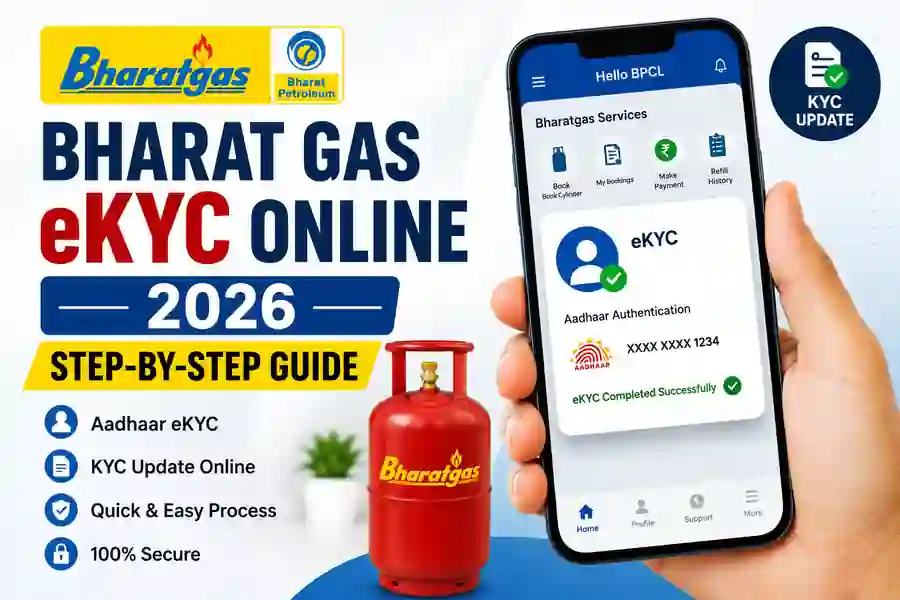
What Is Bharat Gas eKYC?
Bharat Gas eKYC is a digital customer verification facility available through BPCL’s Bharatgas platforms. eKYC helps Bharatgas customers verify and maintain their LPG customer information using digital authentication methods. BPCL’s official privacy policy specifically lists eKYC for consumers as one of the value-added services available through its platforms.
The process can be useful for customers who have received a request to complete KYC or need to keep their LPG customer profile updated. BPCL also provides self-service options for maintaining customer information. Because the exact screens and verification steps can change with app or website updates, customers should always follow the instructions shown on the official Bharatgas or Hello BPCL platform.
How to Complete Bharat Gas eKYC Online
To start Bharat Gas eKYC Online, use the official Bharatgas website or the Hello BPCL mobile application. Sign in with your registered customer details and look for the available eKYC or KYC-related service. BPCL’s official Hello BPCL app currently lists eKYC among its Bharatgas services, making the smartphone route convenient for eligible customers.
When the eKYC option is available, follow the instructions displayed in the app and complete the required Aadhaar authentication. You may be asked to provide consent and verify your identity through the authentication process. BPCL’s privacy documentation confirms that Aadhaar-based authentication services may be used for eligible BPCL services with customer consent.
Bharat Gas eKYC Through Hello BPCL App
The Hello BPCL app is the official BPCL consumer application and provides several Bharatgas services, including LPG cylinder booking, payment, customer history, distributor-related services, emergency assistance, and eKYC. The official Google Play listing currently identifies Bharat Petroleum Corporation Limited as the developer and specifically lists eKYC among the Bharatgas services.
For the eKYC process, install the official Hello BPCL app, sign in using your Bharatgas customer details, and select the eKYC option when it is available for your account. Follow the on-screen instructions to authenticate your identity and submit the verification. Bharatgas itself has also published a video explaining that customers can complete eKYC through the Hello BPCL app using Aadhaar authentication.
What Documents and Details Are Needed?
Before starting your Bharat Gas KYC Update, keep your LPG consumer information and Aadhaar details available. Your registered mobile number can also be important because Bharatgas uses customer account and mobile information for its digital services. The official Bharatgas app information states that existing customers activate the app using the mobile number registered with their Consumer ID.
Depending on the verification route and your customer record, additional information or documents may be requested. The official Bharatgas KYC form lists identity and address proof options such as Aadhaar, driving licence, voter ID, passport, utility bills, ration card, and other accepted documents. However, an online eKYC flow may not require you to upload every document listed on the traditional KYC form.
How Aadhaar Authentication Works
Aadhaar-based eKYC is designed to digitally verify the customer’s identity. During the process, BPCL may request Aadhaar authentication after obtaining the required customer consent. Its privacy policy states that BPCL can provide Aadhaar-based services such as Aadhaar e-KYC under the applicable legal and regulatory framework.
Customers should carefully check the name and details shown during verification before completing the process. Never share your Aadhaar OTP, app password, or other authentication credentials with another person. If a person or website asks you to send an OTP through WhatsApp or another unofficial channel, stop the process and use the official Bharatgas or Hello BPCL service instead.
Bharat Gas KYC Through Official Website
Bharatgas also provides online LPG customer services through its official website. The current Bharatgas services pages include options such as checking whether KYC is required, finding a distributor, updating contact information, applying for a new connection, and accessing other LPG services.
Customers can therefore start by visiting the official Bharatgas portal and signing in to their account. If your account shows a KYC or eKYC requirement, follow the instructions provided there. If the online option is not available for your particular connection, contact your authorised Bharatgas distributor and ask for the correct KYC procedure rather than using an unofficial website.
What to Do If Bharat Gas eKYC Fails?
If your Bharat Gas eKYC Online process does not complete successfully, first check that your customer details and registered mobile number are correct. Make sure the official app is updated and that you have a stable internet connection before trying again. Temporary technical problems can also prevent authentication from completing successfully.
If the problem continues, use the official Bharatgas customer service channels or contact your authorised distributor. Avoid third-party websites that claim to complete Bharat Gas KYC instantly or ask for unnecessary payments. Bharatgas provides official customer services through its own website and platforms, so these should be your first choice for KYC-related assistance.
Bharat Gas App Download
The official Bharatgas website also confirms that its mobile application is available for Android and iPhone
Important Safety Tips for Bharat Gas eKYC
Always complete KYC through the official Bharatgas website, the official Hello BPCL application, or your authorised distributor. Check the application developer before installing an app, because unofficial LPG apps can look similar to genuine services. The official Hello BPCL Android listing identifies Bharat Petroleum Corporation Limited as the developer.
Do not share your Aadhaar OTP, login password, bank details, or other sensitive information with unknown callers or agents. BPCL’s privacy policy explains how personal information and Aadhaar-based services are handled through its platforms, so customers should review the official privacy information when using these services.
Frequently Asked Questions
What is Bharat Gas eKYC?
Bharat Gas eKYC is a digital customer verification facility provided through BPCL’s Bharatgas platforms.
Can I complete Bharat Gas KYC online?
Yes. BPCL currently provides eKYC through its digital platforms, including the Hello BPCL app for eligible Bharatgas customers.
Can I complete Bharat Gas eKYC using Aadhaar?
Yes. Bharatgas has published information showing that the Hello BPCL app supports eKYC using Aadhaar authentication.
Which app should I use for Bharat Gas eKYC?
Use the official Hello BPCL application published by Bharat Petroleum Corporation Limited.
Is there a Bharat Gas eKYC deadline in 2026?
Do not rely on social-media messages claiming a universal deadline. If your account or distributor has specifically requested KYC, check the official Bharatgas platform or your authorised distributor for the applicable requirement.
What if my eKYC is unsuccessful?
Check your account details, registered mobile number, internet connection, and app version. If the issue continues, contact Bharatgas through its official customer-service channels or your authorised distributor.
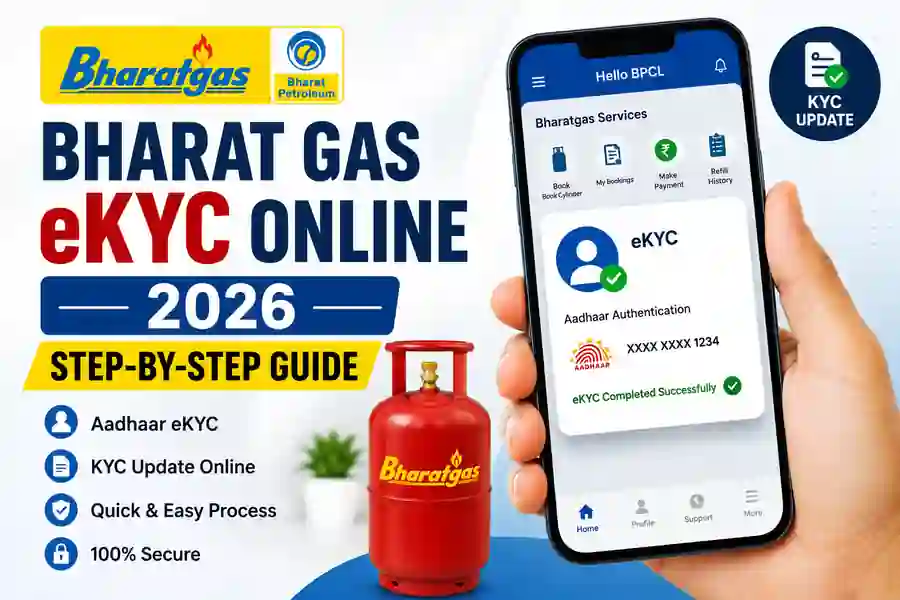
Official Bharat Gas App Download
The official Bharatgas website also confirms that its mobile application is available for Android and iPhone users and provides LPG services through the app.
Watch video
Conclusion
Bharat Gas eKYC makes LPG customer verification more convenient by allowing eligible customers to use BPCL’s digital services. The official Hello BPCL app currently includes eKYC among its Bharatgas services, while Bharatgas also provides online customer and KYC-related facilities through its official website.
For a safe and successful KYC update, always use official BPCL platforms, keep your customer information ready, and complete Aadhaar authentication only through the authorised process. If the online option does not work for your connection, contact your Bharatgas distributor for assistance instead of using an unofficial website or application.
Internal Links
- 👉 DigiLocker App – Secure Digital Storage for Documents & Certificates
https://thanseenailyas.com/digilocker-app/ - 👉 Ente Ration Card App & Kerala EPOS Portal – Complete Guide
https://thanseenailyas.com/ente-ration-card-app-kerala-epos-online-guide/