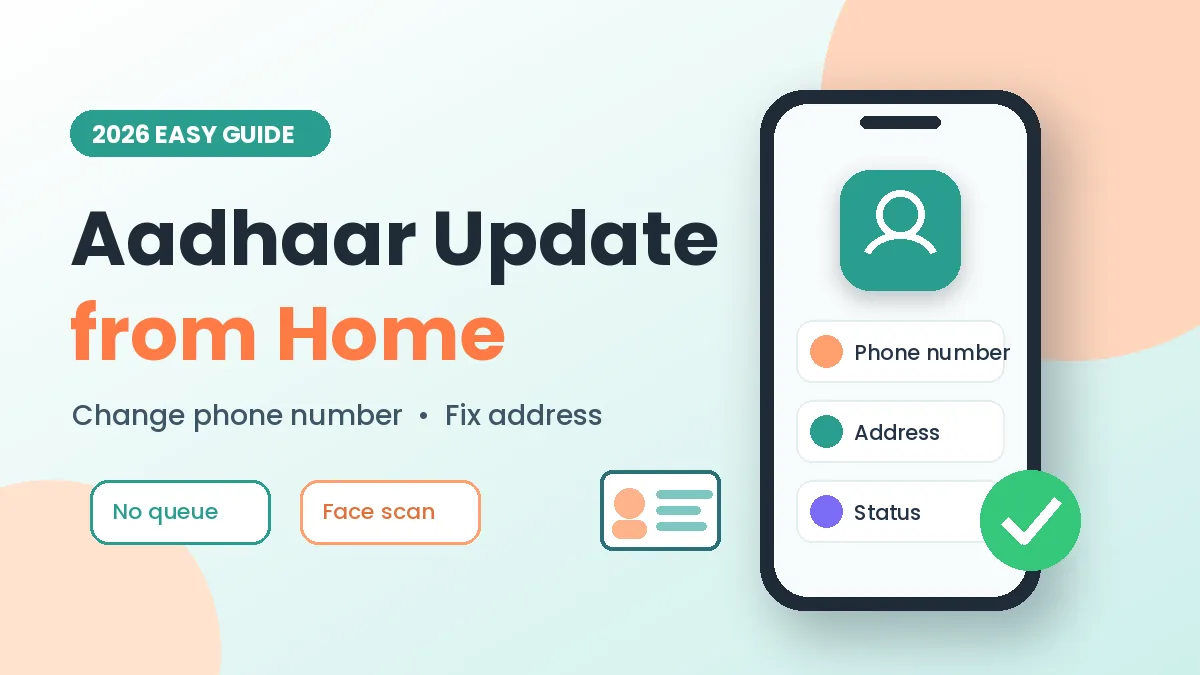
Did you get a new SIM, or move to a new house? Your Aadhaar details may be old now. The good news: an Aadhaar update from home is now possible with the official Aadhaar app. No queue, no long trip.
Quick Overview
Why Aadhaar Update from Home Is So Useful
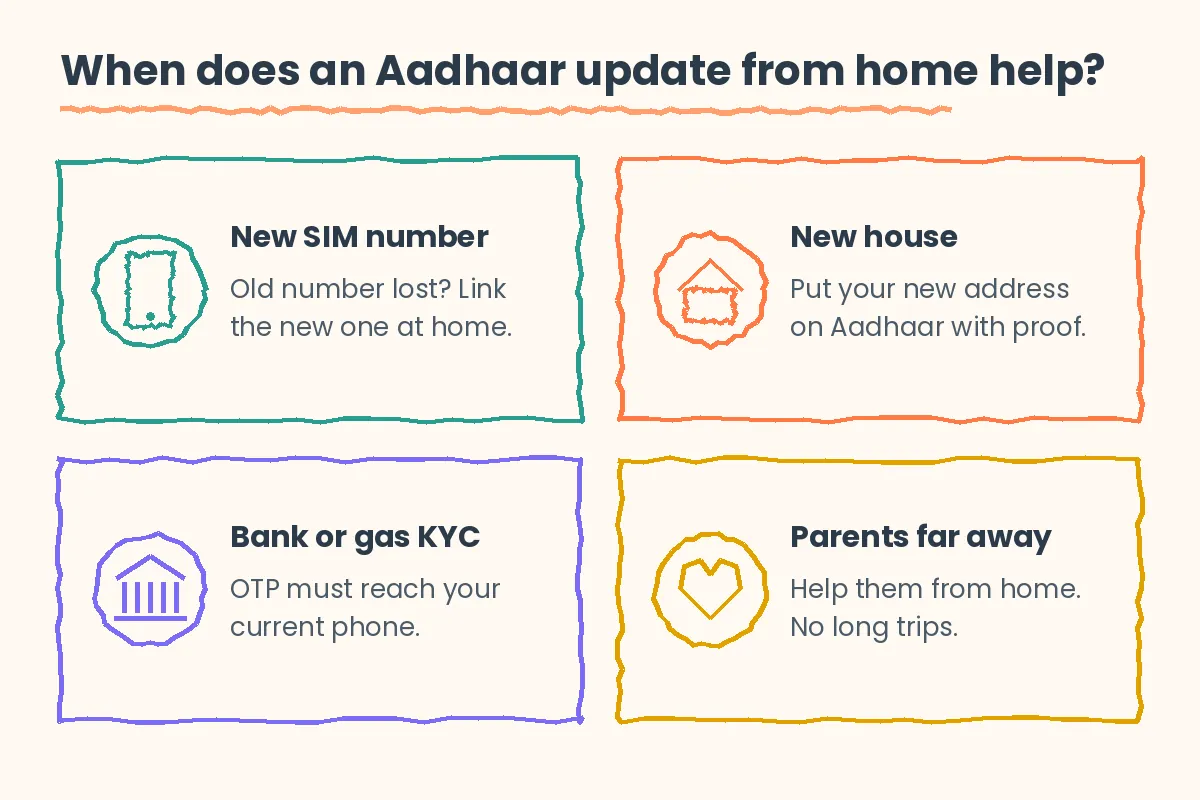
Banks, gas agencies and government services send an OTP to your Aadhaar-linked phone. If that number is old, you get stuck. An Aadhaar update from home fixes this fast.
For example, Ravi lost his old SIM. Then he linked his new number from his sofa. Later, his mother fixed her new address the same evening.
Best Features of the New Aadhaar App
All these features are free to use. Only updates have a small fee.
- Phone number update: Change your linked number with a face scan.
- Address update: Add a new address using a proof document.
- Family profiles: Keep Aadhaar details of up to five family members.
- Biometric lock: Lock your fingerprints and face data with one tap.
- Update status: See where your request is.
First-Time Setup
- Step 1: Install the Aadhaar app from the store link below.
- Step 2: Next, open it and choose your language.
- Step 3: Enter your 12-digit Aadhaar number.
- Step 4: Type the OTP sent to your linked phone.
- Step 5: Finally, do a quick face scan and set a 6-digit PIN.
Face scan means the app checks your face with the front camera.
How to Change Your Aadhaar Phone Number from Home
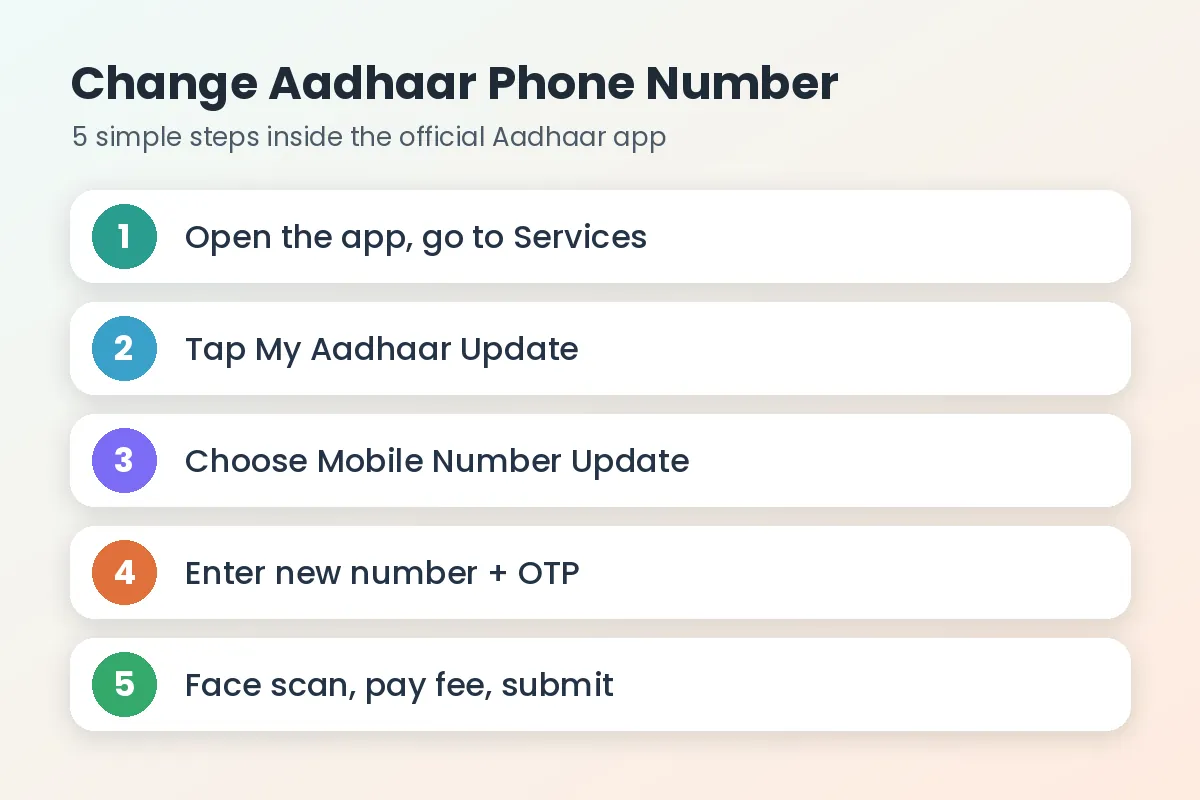
- Step 1: Open the app and tap Services.
- Step 2: Then tap My Aadhaar Update.
- Step 3: Choose Mobile Number Update.
- Step 4: Enter your new number and tap Get OTP.
- Step 5: Type the OTP that comes to the new number.
- Step 6: Finish the face scan.
- Step 7: Finally, pay the small fee (around ₹75) and submit.
Also, you do not need your old number. The face scan proves it is you.
How to Correct Your Aadhaar Address from Home
- Step 1: Go to Services, then My Aadhaar Update.
- Step 2: Tap Address Update.
- Step 3: Pick a method: your own proof document, or Head of Family (using a relative’s Aadhaar address).
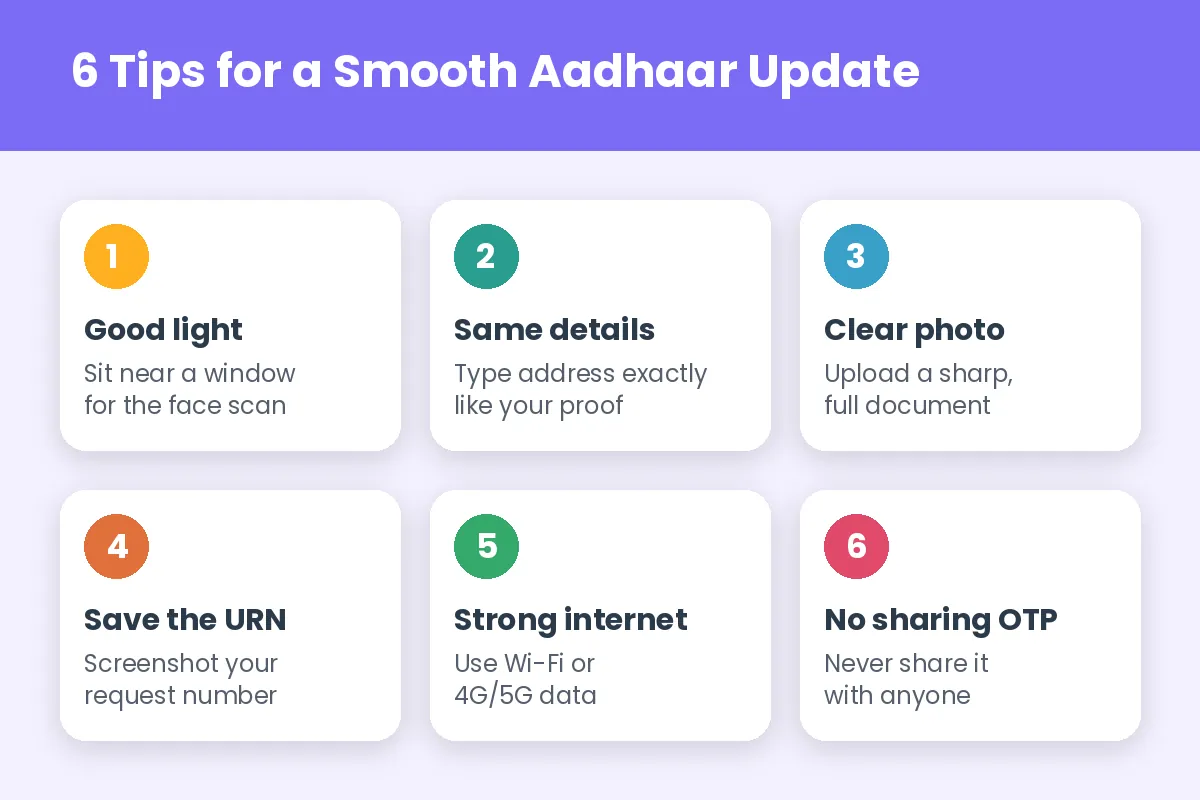
- Step 4: Upload a clear photo of your proof, like a bank passbook or rent agreement.
- Step 5: Type your new address exactly as it is on the proof.
- Step 6: Finally, pay ₹75 and submit.
Smart Tips for Aadhaar Update from Home
- Sit near a window, because good light makes the face scan work on the first try.
- Also, take a screenshot of your request number.
- Use Wi-Fi or strong mobile data.
Common Problems and Quick Fixes
Luckily, most Aadhaar update from home issues are easy to fix.
- Face scan fails: Remove glasses and try again in bright light.
- OTP not coming: Check signal, wait a minute, then resend.
- Request rejected: The address you typed may not match your proof. Then fix it and apply again.
Quick Comparison with 2 Alternatives
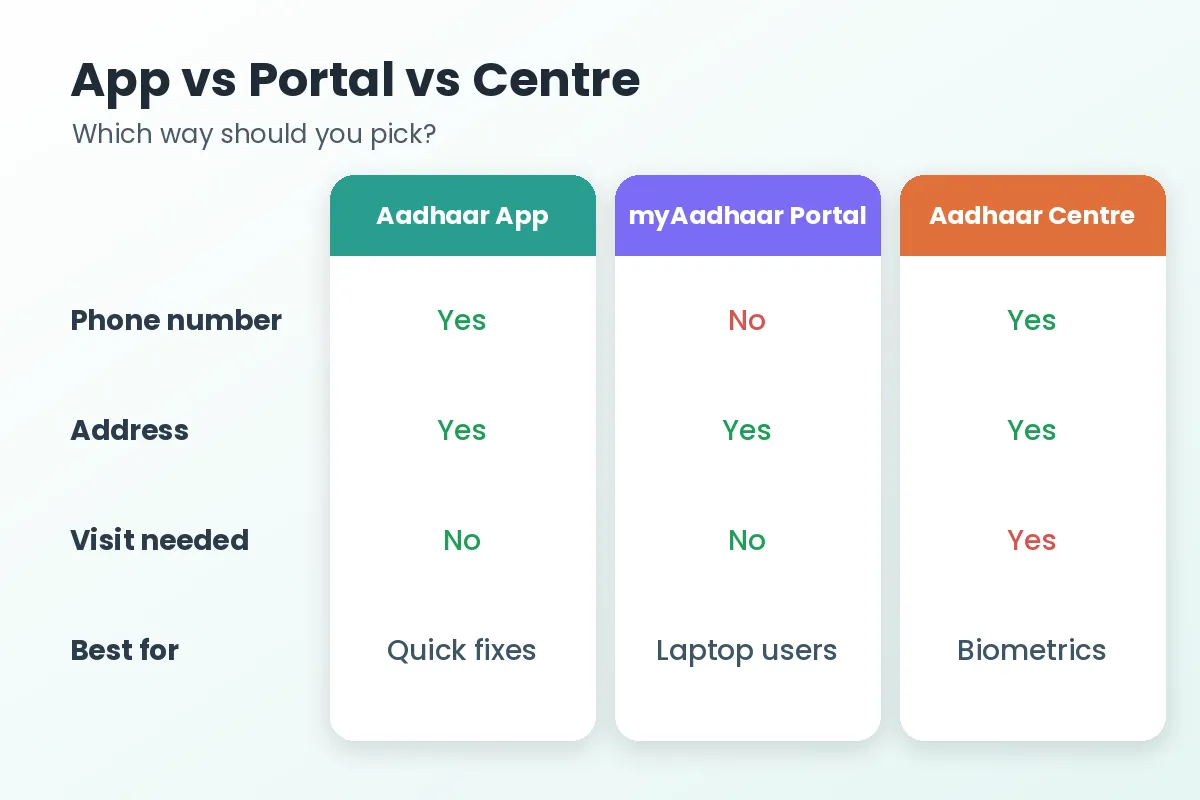
| Option | Phone number | Address | Visit needed |
|---|---|---|---|
| Aadhaar App | Yes | Yes | No |
| myAadhaar Portal | No | Yes | No |
| Aadhaar Seva Kendra | Yes | Yes | Yes |
Stay Safe While You Update
For a safe Aadhaar update from home, download the app only from Google Play or the App Store. Use the official UIDAI portal button below to learn more. Also, never share your OTP or PIN with anyone.
Frequently Asked Questions
Can I update my Aadhaar phone number without the old number?
Yes. In the new app, a face scan checks your identity instead.
How much does an Aadhaar address update cost?
It costs ₹75 in the app.
How long does an Aadhaar update from home take?
It can take a few days. Meanwhile, check the status inside the app.
Can I do an Aadhaar update from home for my parents?
Yes, but they must do the face scan themselves.
Can I change my photo or fingerprints online?
No. Instead, visit an Aadhaar centre.
Final Words
An Aadhaar update from home saves time, money and stress. So, keep your documents ready and follow the steps. Try it today and share this guide!