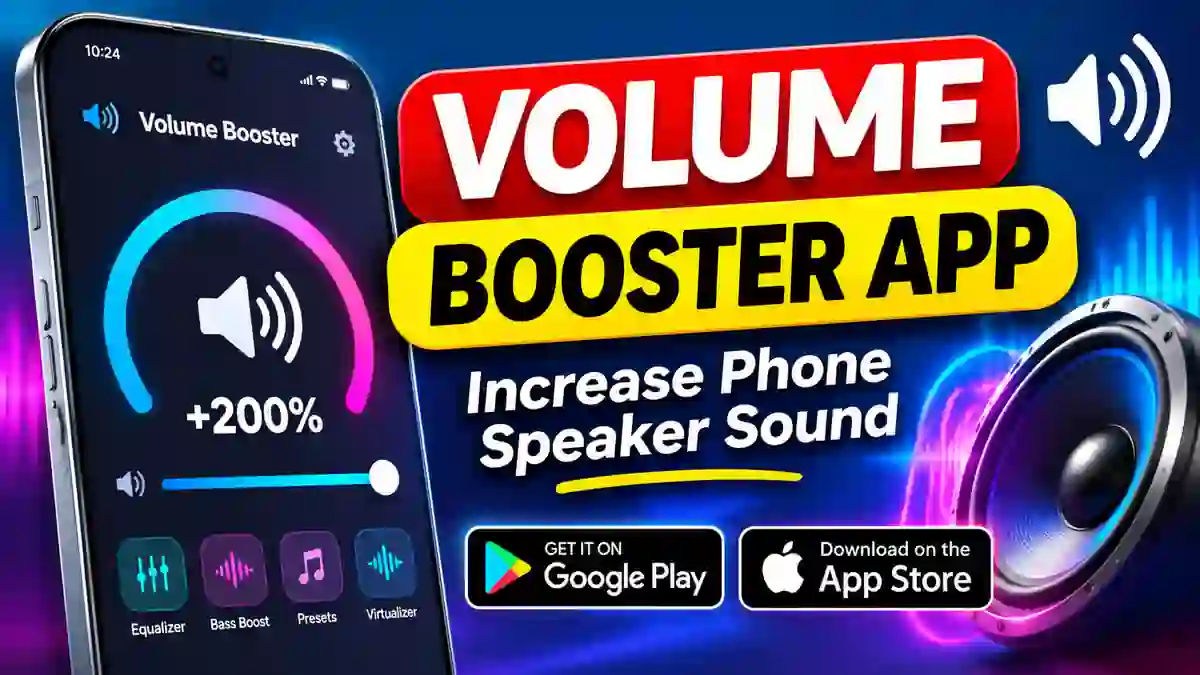
Is your smartphone speaker too quiet when playing music, watching videos or listening to podcasts? A Volume Booster App can help you customise your phone’s audio output and improve your listening experience. These apps provide additional sound controls that may make compatible audio louder or clearer. Whether you use an Android phone or an iPhone, you can explore audio enhancement applications to adjust sound settings. In this article, we explain how volume booster apps work, their features, how to download them and important safety tips.
What Is a Volume Booster App?
A Volume Booster App is a mobile application designed to provide additional control over audio output. It can help users adjust the sound of music, movies, videos and other media on supported devices. Some applications offer sound enhancement, equalizer settings and bass adjustment. These features can make audio more suitable for different listening preferences. However, a volume booster cannot physically upgrade your phone’s speaker. Its performance depends on your smartphone model, operating system and audio source. Therefore, the results may differ between devices.
How Does a Volume Booster App Work?
Most volume booster applications use audio processing techniques to modify the sound output. Depending on the application, users may be able to increase audio levels or adjust specific frequency ranges. For example, an equalizer can help improve bass, treble and vocal clarity. Some apps also provide different sound profiles for music, movies and other media. However, increasing the volume too much may create distorted sound. It is better to adjust the settings gradually and choose a comfortable listening level.
Main Features of Volume Booster Apps
- Volume Enhancement: Provides additional audio controls for compatible devices.
- Equalizer: Allows users to adjust bass, treble and other sound frequencies.
- Bass Booster: Enhances low-frequency sound for supported audio playback.
- Sound Presets: Offers different audio profiles for music and entertainment.
- Audio Customisation: Helps users adjust sound according to their preferences.
- Music Experience: May improve the listening experience with compatible headphones and speakers.
Not every application includes all these features. Check the app description and compatibility information before installation.
How to Download on Android
Android users can install a volume booster application through the Google Play Store. Always check the app listing, developer information and permissions before downloading. Follow these simple steps:
- Open the Google Play Store on your Android phone.
- Visit the download link given below.
- Check the application details.
- Tap the Install button.
- Wait for the installation to finish.
- Open the app and explore its available sound controls.
Download for Android:
Download Volume Booster App from Google Play Store
How to Download on iPhone
iPhone users can also explore volume enhancement applications through the Apple App Store. The available audio features may differ from Android because iOS has its own audio and system limitations. To install the application:
- Open the Apple App Store on your iPhone.
- Visit the download link below.
- Review the app description and compatibility.
- Tap Get to begin installation.
- Complete the installation process.
- Open the application and explore its audio settings.
Download for iPhone:
Download Volume Booster App from Apple App Store
How to Use a Volume Booster App
After installing the application, open it and check the available audio controls. Start playing a song or video to test the sound output. If the app provides a volume adjustment option, increase it gradually. You can also explore equalizer settings to improve bass and vocal clarity. Avoid selecting the maximum boost immediately. Instead, find a comfortable level that provides clear sound without distortion. Keep in mind that some applications may not work with every music player or streaming service. Their performance can also change depending on the smartphone model.
Is It Safe to Use a Volume Booster?
Volume booster applications should be used carefully. Increasing sound beyond comfortable levels can cause hearing discomfort and may damage your hearing over time. Excessive audio output can also create distortion. In some situations, it may affect speakers or connected headphones. Follow these safety tips:
- Start with a low volume setting.
- Avoid listening at maximum volume for long periods.
- Reduce the boost if you hear distorted audio.
- Use comfortable headphone volume levels.
- Download applications from official app stores.
- Review app permissions before installation.
If your phone speaker suddenly becomes quieter, check for dust, blocked speaker openings, Bluetooth connections and system volume settings. A software application cannot repair a physically damaged speaker.
Frequently Asked Questions
1. What is the best Volume Booster App?
The best option depends on your smartphone and audio requirements. Compare app features, compatibility, user reviews and permissions before choosing one.
2. Can I increase speaker volume using an app?
Some applications can enhance audio output on supported devices. However, results depend on the phone’s hardware and software limitations.
3. Are volume booster apps free?
Some volume booster applications are available to install for free. However, certain apps may include advertisements or optional in-app purchases. Check the store listing for details.
4. Do volume booster apps work on iPhone?
Yes, some audio enhancement applications are available for iPhone. However, their features and system-level audio controls may differ from Android.
5. Can a volume booster increase call volume?
Not necessarily. Many volume booster applications focus on media playback rather than cellular call audio. Their ability to affect call volume depends on the app and operating system.
6. Can a volume booster damage phone speakers?
Excessive audio levels may cause distortion and potentially affect speakers or headphones. Always use moderate settings and stop if the sound becomes unclear.
Download App
Conclusion
A Volume Booster App can be useful for people who want additional control over their smartphone’s audio. Depending on the application and device, it may help improve media playback and customise sound settings. Android and iPhone users can explore the download links provided above. Always install applications from official stores and avoid excessive volume levels to protect your hearing and audio equipment.