
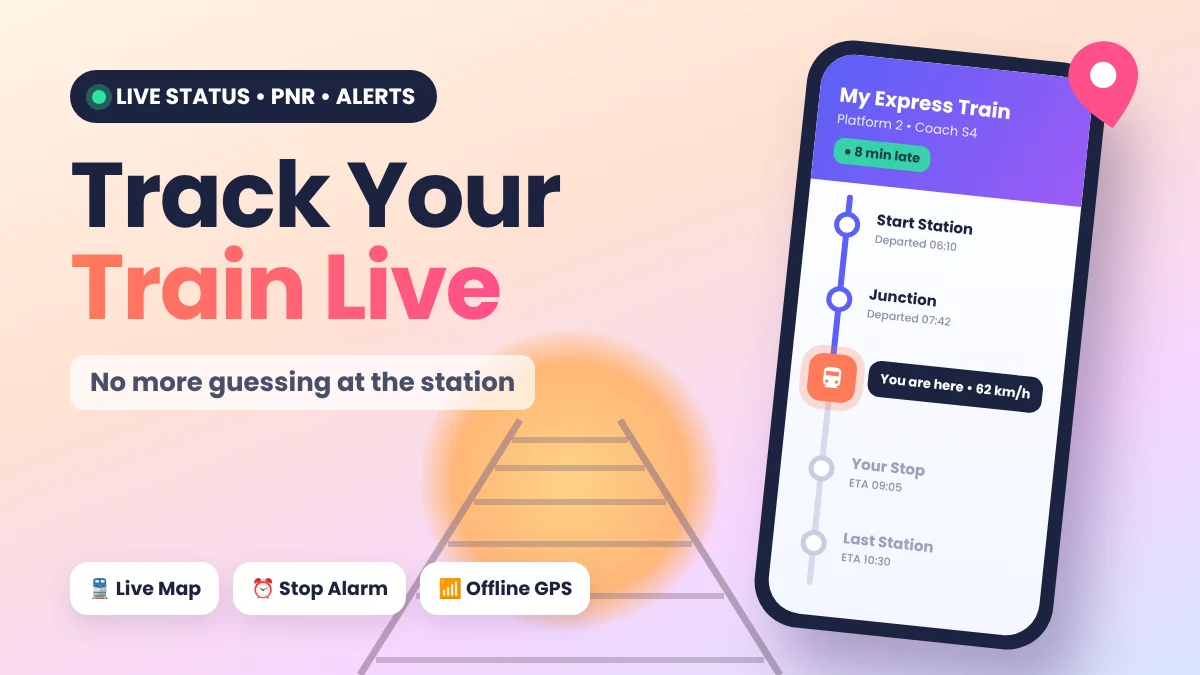
You are standing at the station. The train is late, and nobody knows why. Sound familiar? The RailTrack Live Train Tracker app shows where your train is right now, so you can stop guessing.
Here’s how to set it up, use it well and fix small problems.
Quick Overview
| Detail | Info |
|---|---|
| App name | RailTrack: Live Train Tracker |
| Developer | NoCodingGuru.com |
| Version | 1.1.8 |
| Works on | Android phones |
| Price | Free to install |
| Rating | 3.9★ on Google Play (Oct 2026) |
| Last updated | 9 October 2026 |
Why the RailTrack Live Train Tracker Is So Useful
Think of this app as a friend who watches your train for you. It tells you if the train is on time or running late.
Here is where it helps:
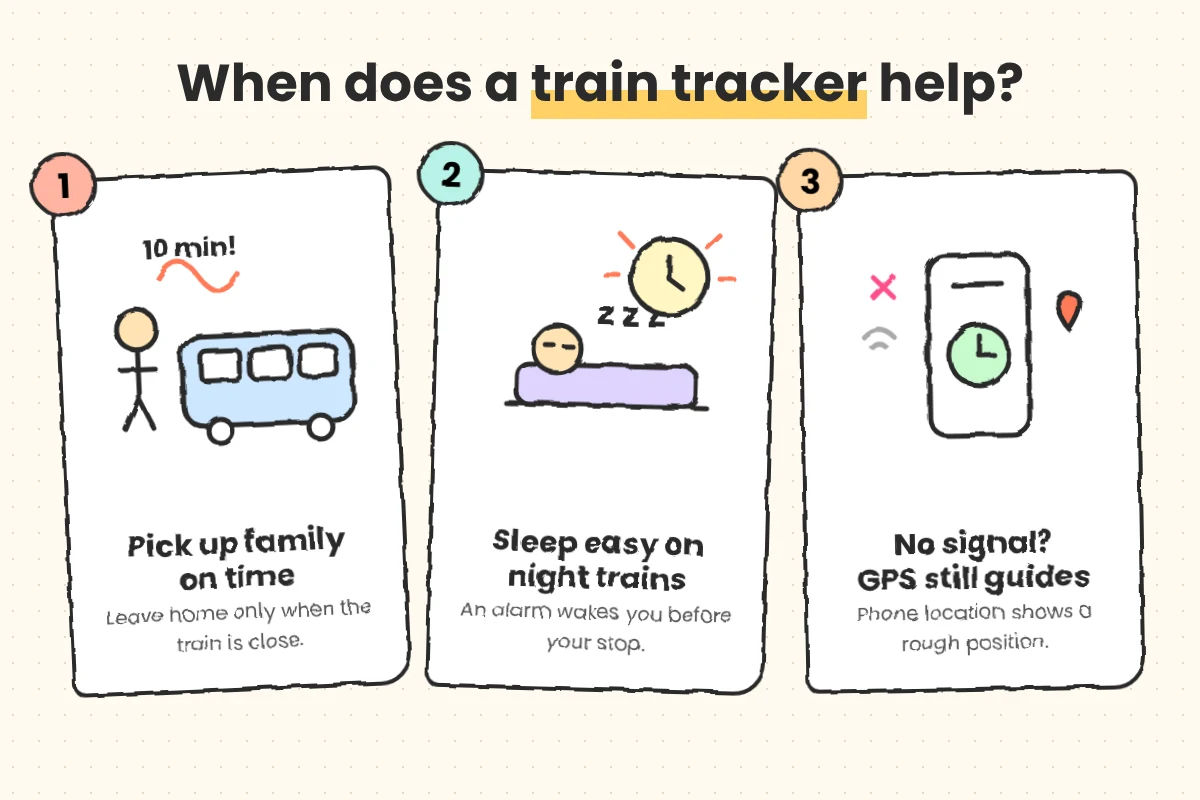
- Picking up family: Your mother is coming by train. You check the app and leave home at the right time.
- Long night trips: You fall asleep. An alarm wakes you before your stop.
- Weak network areas: Some routes have poor signal. The app can still guess your position using GPS. (GPS is your phone’s location feature, the same one maps use.)
Best Features Explained Simply
- Live running status: See the last station, speed and delay time.
- PNR status: Check if your ticket is confirmed, RAC or waiting. PNR is the 10-digit number on your ticket.
- Station alarm: Your phone rings when your station is near.
- Platform and coach position: Know where your coach will stop.
- Timetable and route: See every stop on the way.
- Trains between stations: Find all trains from one place to another.
- Dark mode: Easy on your eyes at night.
How to Use RailTrack Live Train Tracker Step by Step
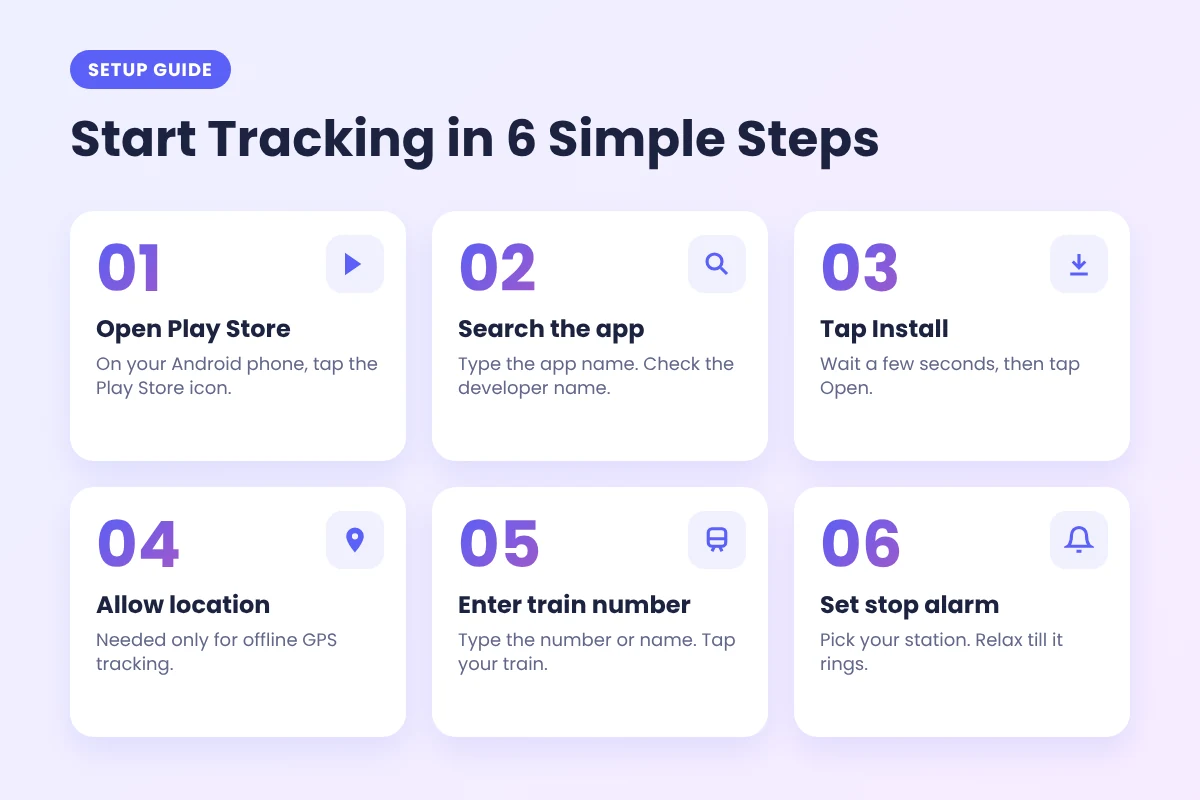
Setting up the RailTrack Live Train Tracker takes about two minutes.
- Step 1: Open the Play Store on your Android phone. You can also use this official RailTrack page on Google Play.
- Step 2: Search for the app. Make sure the developer name says NoCodingGuru.com.
- Step 3: Tap Install, then tap Open.
- Step 4: Allow location if you want offline GPS tracking.
- Step 5: Type your train number or name in the search box. Tap your train.
- Step 6: Pick your station and turn on the alarm.
- Step 7: To check your ticket, open the PNR option and type your PNR number.
Do you also travel by bus in Kerala? Then my guide on the live KSRTC bus tracking app for better journeys will help you too.
Download RailTrack Live Train Tracker Safely
Official links only • Version 1.1.8
Android only for now. No official iPhone or web version found.
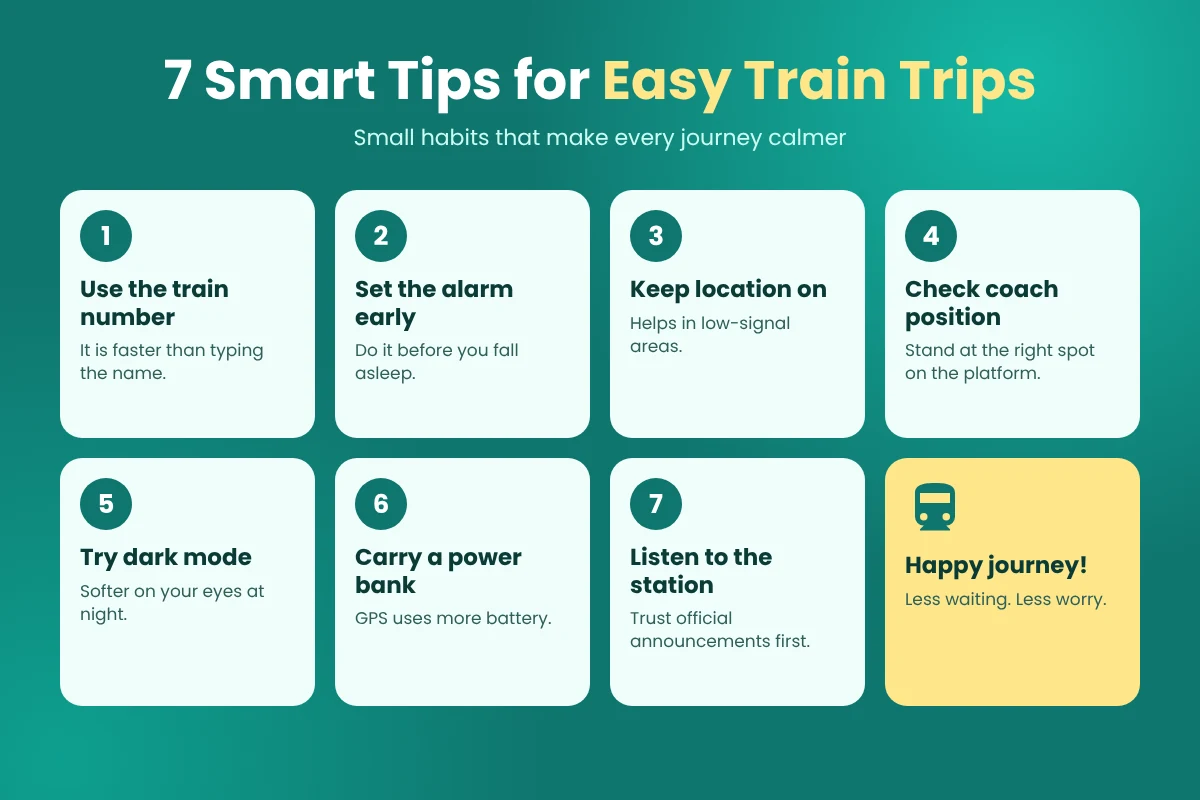
7 Tips to Get More From RailTrack Live Train Tracker
- Use the train number. It is faster than typing the full name.
- Set the alarm early. Do it before you feel sleepy.
- Keep location on. It helps in low-signal areas.
- Check coach position. Then stand at the right spot before the train comes.
- Try dark mode. It feels softer on your eyes at night.
- Carry a power bank. GPS uses more battery on long trips.
- Listen to the station. Always trust official announcements first.
Common RailTrack Live Train Tracker Problems and Fixes
- Train not showing? Check the train number and search again.
- Location looks wrong? Turn on GPS and sit near a window.
- Alarm not ringing? Open phone Settings and allow notifications for the app.
- App feels slow? Update it from the Play Store.
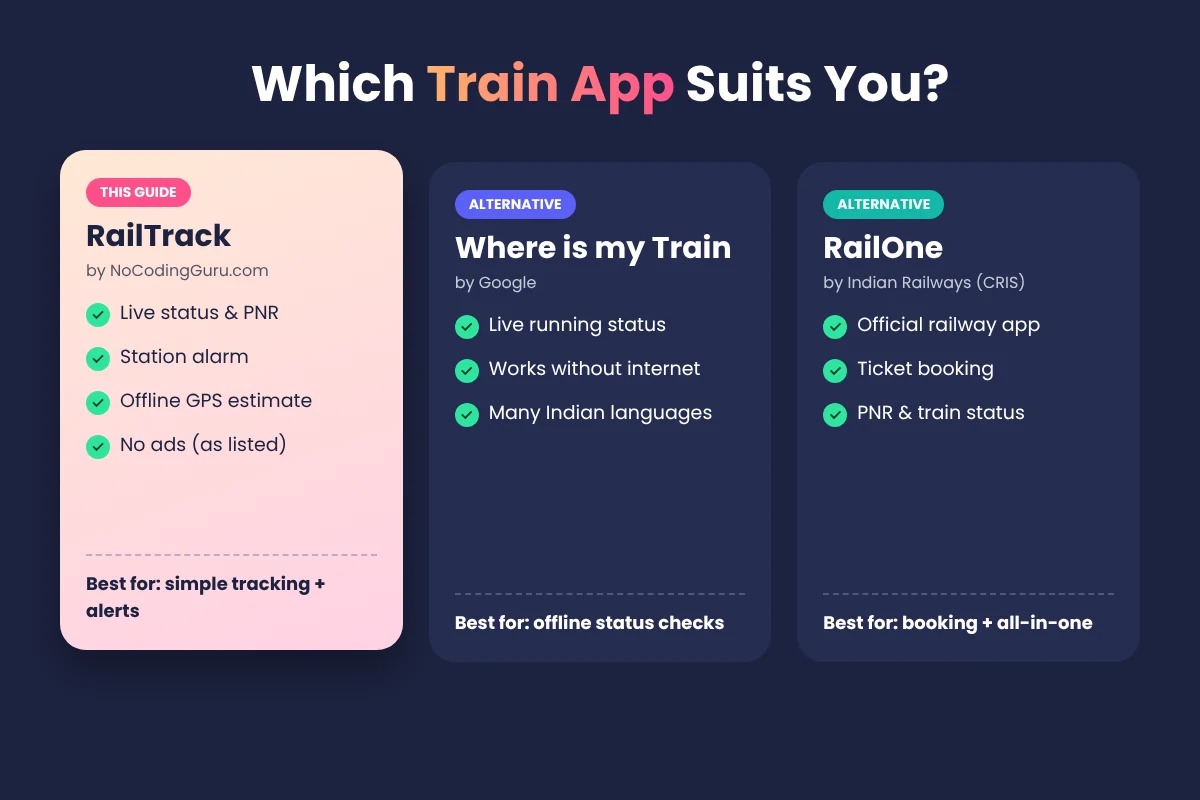
RailTrack vs Other Train Apps
| RailTrack | Where is my Train | RailOne | |
|---|---|---|---|
| Made by | NoCodingGuru.com | Indian Railways (CRIS) | |
| Main focus | Live status + alerts | Live status, works offline | Official all-in-one app |
| Ticket booking | No | No | Yes |
Is the RailTrack App Safe?
Download it only from the Google Play Store. Never use APK files from unknown websites. They can carry harmful software.
Remember, RailTrack comes from an independent developer. It is not an official Indian Railways app. The Play Store listing says it does not share your data with others.
FAQ
Is RailTrack Live Train Tracker free?
Yes, it is free to install. The listing says it has no ads. An optional tip is there to support the developer.
Is it an official Indian Railways app?
No. An independent developer named NoCodingGuru.com made it.
Can it work without internet?
Partly. It uses GPS to guess your train’s position. The result may not always be exact.
Is there an iPhone version?
Right now, I could not find one from this developer. It is for Android only.
Final Words
Train trips feel much calmer when you know what is happening. The RailTrack Live Train Tracker gives you live status, PNR checks and a handy station alarm in one simple app.
So, install it before your next trip. And share this guide with a friend who travels often. Happy journey!
Get the app before your next trip
Download RailTrack on Google Play