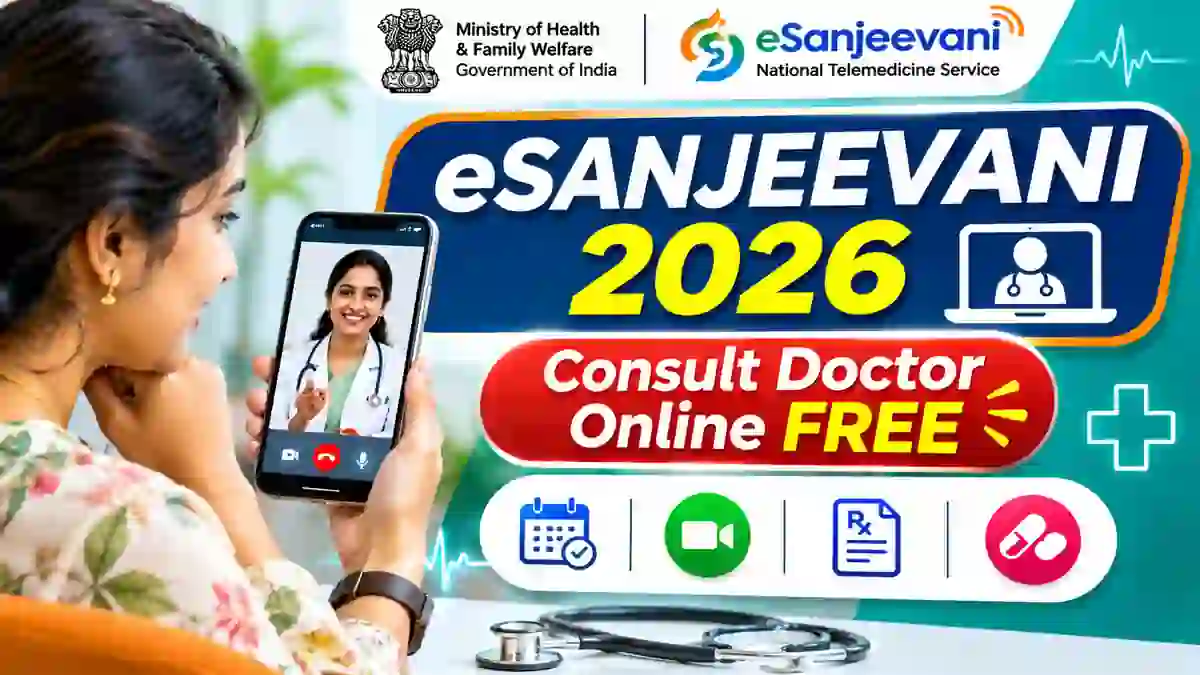
The eSanjeevani App is a useful digital healthcare service that allows people to consult doctors online from home. Developed under India’s National Telemedicine Service, it connects patients with medical professionals through digital technology. Instead of travelling to a hospital for every consultation, users can access available outpatient services using a smartphone or computer. Kerala also offers eSanjeevani services through its Health Department. This guide explains how to register, consult a doctor, download prescriptions and install the official app on Android and iPhone.
What Is eSanjeevani?
eSanjeevani is the National Telemedicine Service launched by India’s Ministry of Health and Family Welfare. It aims to make healthcare more accessible through online doctor consultations. Patients can use the service to connect with available doctors without making an unnecessary journey to a healthcare facility. The platform is especially useful for people living in rural and remote areas.
The service has two major models. eSanjeevani OPD supports patient-to-doctor consultations, while eSanjeevani AB-HWC connects healthcare providers at Health and Wellness Centres with doctors and specialists at higher-level facilities. These services help improve access to medical advice and specialist support. Official platform information is available from C-DAC.
Main Features and Benefits
The eSanjeevani platform offers several useful facilities for patients. Users can register online, provide information about their health concerns and request an available consultation. Depending on the service and doctor availability, consultations can take place through video calls. Patients may also upload previous medical reports to help doctors understand their health history. Important features include:
- Online doctor consultation.
- Patient registration using mobile number and OTP.
- Virtual waiting room and token generation.
- Video consultation with available doctors.
- Uploading medical reports and documents.
- Digital prescriptions after consultation.
- Access to selected general and specialist OPD services.
The service can reduce travel time and make healthcare easier to access. However, it does not replace emergency medical treatment or physical examination when a doctor considers one necessary.
How to Register on eSanjeevani
First, visit the official eSanjeevani website or open the mobile application. Select the patient registration option and enter your active mobile number. Complete the OTP verification process to confirm your number. Next, provide the requested personal details, such as your name and other patient information.
After registration, follow the instructions to generate your patient ID and consultation token. Save these details because you may need them when logging in. Depending on the registration option available, users may also be able to register using an ABHA account. Keep your registered mobile number active to receive consultation updates.
How to Consult a Doctor Online
After registration, log in using your patient details. Select the available OPD or department that matches your consultation requirement. Enter the health concern and upload previous medical reports if necessary. Then generate the consultation token and enter the virtual waiting room.
Wait until your turn arrives and the consultation option becomes active. Start the video call when the doctor is ready. Explain your health concern clearly and answer the doctor’s questions. After the consultation, follow the medical advice provided and check whether an electronic prescription is available.
How to Download an ePrescription
After completing an online consultation, the doctor may provide an electronic prescription. You can access the prescription through the link or facility provided by the platform. Open the prescription and download the available PDF file to your phone or computer.
Keep the document safely for future reference. You may also show it to a pharmacist or healthcare professional when appropriate. Remember that medicine use should follow the doctor’s instructions. Do not change the prescribed dosage or start additional medicines without professional advice.
eSanjeevani App Download for Android and iPhone
Users can access eSanjeevani through its official website or the mobile application. Always check the app name and developer information before installation. Avoid unofficial applications that use similar names.
For more useful digital services, read our guides on the DigiLocker App and Aadhaar App and Online Services.
Kerala eSanjeevani Services
Kerala provides eSanjeevani telemedicine services through the State Health Department. Residents can use the service to access available General OPD and specialist consultations. The Kerala Health Department describes its public eSanjeevani services as free of cost and lists General OPD as available 24 hours a day.
Users can check the Kerala-specific service information and consultation options through the official portal. Departmental schedules and available specialities may change, so check the latest information before requesting a consultation.
Kerala eSanjeevani Portal:
https://esanjeevaniopd.in/kerala
Kerala Health Department:
https://health.kerala.gov.in/
Frequently Asked Questions
Is eSanjeevani free?
The public eSanjeevani services described by the Kerala Health Department are free of cost. Check the relevant service information before using any other facility.
Can I consult a doctor from home?
Yes. eSanjeevani OPD supports online patient-to-doctor consultations through available digital consultation services.
Is eSanjeevani available for iPhone?
An eSanjeevani OPD listing is available through Apple’s App Store. Availability and compatibility may depend on the device and current app listing.
Can I download a prescription?
Yes. An electronic prescription may be made available after the doctor completes the consultation.
Do I need an ABHA number?
Registration options may include an ABHA account or mobile number, depending on the available registration flow.
Is eSanjeevani suitable for emergencies?
No. It is intended for teleconsultation, not emergency treatment. Contact emergency services or visit the nearest emergency department when urgent medical attention is needed.
eSanjeevani App Download for Android and iPhone
Conclusion
eSanjeevani makes online healthcare more accessible by connecting patients with available doctors through a digital platform. Users can register with a mobile number, generate a consultation token, speak with a doctor and access an electronic prescription when provided. Kerala residents can also explore the state’s dedicated telemedicine services. Visit the official website or install the recognised application to check the latest consultation options.